
Quick answer
Use the identity document requested by the service and follow that form's own name instructions. Your account nickname, a passenger record and a verified payment identity can be separate records. Changing a display name does not necessarily correct a ticket or a payment verification request.
Identify which record is failing
| Screen or task | Record to inspect |
|---|---|
| Signing in | Account identifier, phone number or email |
| Buying a train ticket | The selected passenger and their document details |
| Adding a payment card | The cardholder and the wallet verification prompts |
| Checking in to a hotel | The booking guest and the original travel document |
Do not substitute a different person's identity simply to pass an unfamiliar screen. The person using the service needs a valid record for that service.
Check the passenger record for the traveler who will board, not only the account owner’s profile.
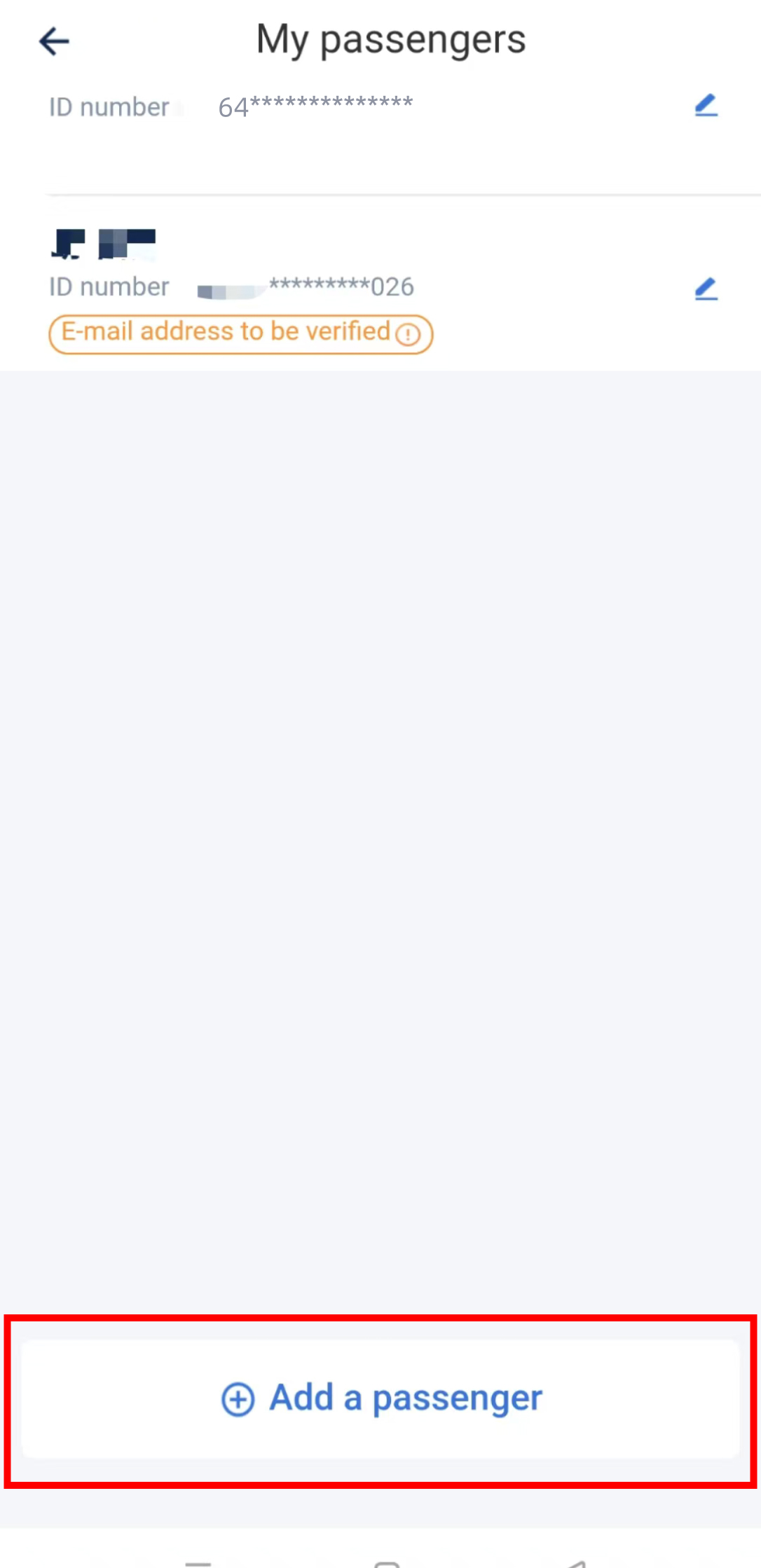
12306 My passengers: Add a passenger and check any outstanding verification message.
Image source: MTR. Screenshot rights remain with the publisher. Reference example; screens can vary by device, account and app version. Dates and prices shown are not live.
A careful checking sequence
- Confirm the document type before entering the number. Passport and national identity-card fields may apply different validation rules.
- Read the field labels for surname/family name and given names. Compare with the passport being used for this journey.
- Follow the current service instructions for spaces, punctuation, accents, multiple given names or character limits. There is no single spelling shortcut that is safe for every app.
- Check the expiry date, nationality and document number where requested. A letter and a digit can look similar.
- Review the saved passenger or verified identity after submission, not just the account profile.
If it remains pending or is rejected
Save the non-sensitive error wording and contact the service's official support. Do not repeatedly submit variations of your name to guess what will work. If travel is imminent, ask the booking provider or staffed ticket office which verification route is available and what original documents to bring. Review availability is not a guaranteed completion time.
Never post a complete passport image in public feedback or send it to someone claiming to unlock your account. Use only the identity submission channel provided by the service itself.
Where to continue
- Train ticket workflow and passenger checks
- 12306 app guide
- Hotel check-in
- Chinese verification terms
The official 12306 registration form is the authority for its own fields; do not apply its formatting rules to unrelated services. The troubleshooting sequence above is editorial guidance compiled from the existing train, wallet and hotel guides.
Sources and review
Sources checked on 2026-09-10. This guide combines the existing site guides linked above with the following source material. The decision steps are editorial guidance. No app-account or on-location field test was performed.